Put your brand in front of people hungry to learn.
The first module of Workflow Ágil, Essential Equipment, will be available free of charge, with no course purchase required. It will introduce and review the equipment used throughout the course, from photography to image editing and the delivery of final materials, through a streamlined, efficient workflow that brings together Adobe Lightroom Classic, Photoshop, Affinity Designer, and Canva.
How it all connects.
Workflow Ágil is a practical, multidisciplinary course for creative professionals and people looking to enter the industry.
Its purpose is to teach a visual production workflow that can be applied to professional projects, bringing together skills that are often learned separately.
Through a single project, the course connects photography, image editing, and graphic design, from capturing images to delivering materials to the client.
The modules below show how these stages complement one another. Along the way, selected equipment may be used in activities where it has a practical application.
-
Essential Equipment
The course begins with an introduction to the selected equipment. Students explore its features, functions, and applications, learning how these tools fit into the workflow.
-
Photography
Production begins with preparing the space, setting up the lighting, and composing the scene. The photographs taken at this stage will be used in image editing and the creation of graphic materials.
-
Lightroom Classic
Photographs are transferred, organized, and selected, with a backup routine to protect the files. The module covers initial image development and preparation for Photoshop.
-
Photoshop
Using the images developed in Lightroom, this module covers retouching, localized corrections, manipulation, and photographic finishing. Students follow the editing process through to the final images that will be used in the graphic materials.
-
Affinity Designer
The edited photographs are incorporated into graphic designs, alongside typography and other visual elements. This module shows how to create these materials using Affinity Designer, before adapting them for Canva.
-
Canva
The designs created in Affinity Designer are adapted for Canva so that clients who are not designers can edit and update their own materials. This module covers preparing the designs and handing them over to the client.


A dedicated module
for equipment reviews.
In the Essential Equipment module, selected products will be introduced and assessed individually through technical reviews.
Each review will identify the brand and demonstrate the equipment's features, functions, and applications.
The module will offer free access, even to people who do not purchase the full course, in a format that complies with the chosen platform's rules.
From review to practical use.
Beyond their individual reviews, the equipment may appear again at stages where it serves a practical purpose. Students can get to know each product and see it being used as the project develops.
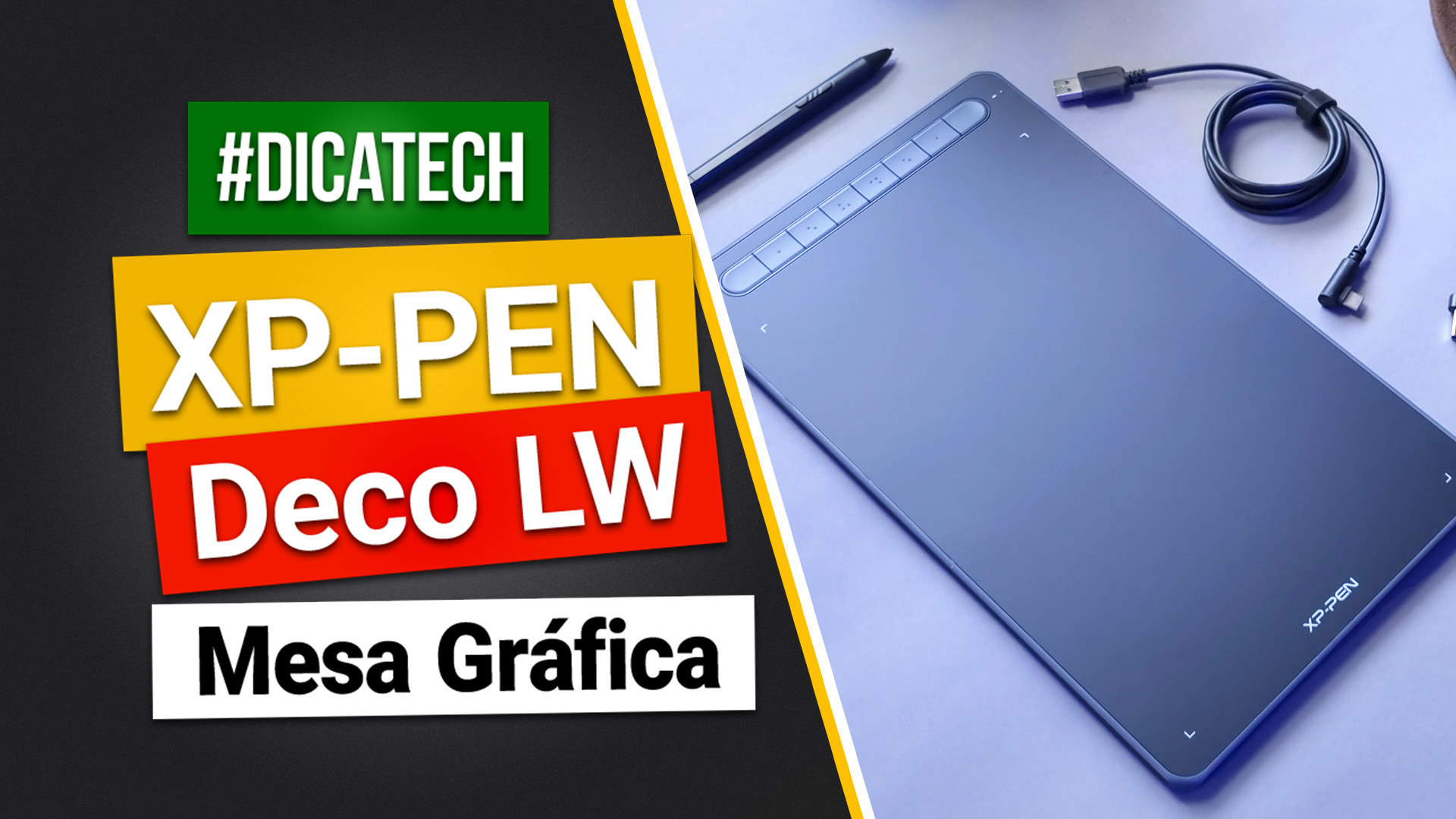
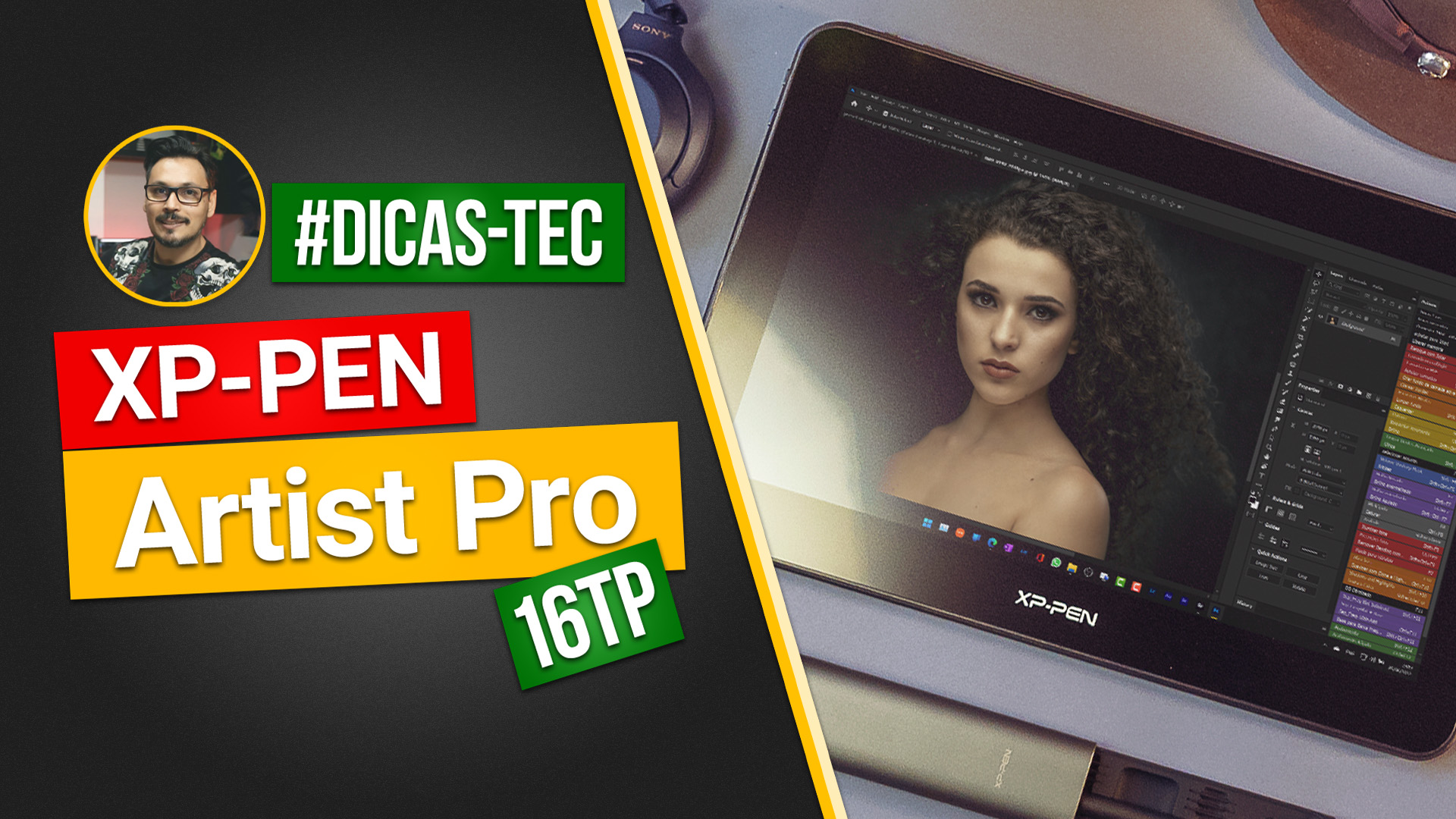
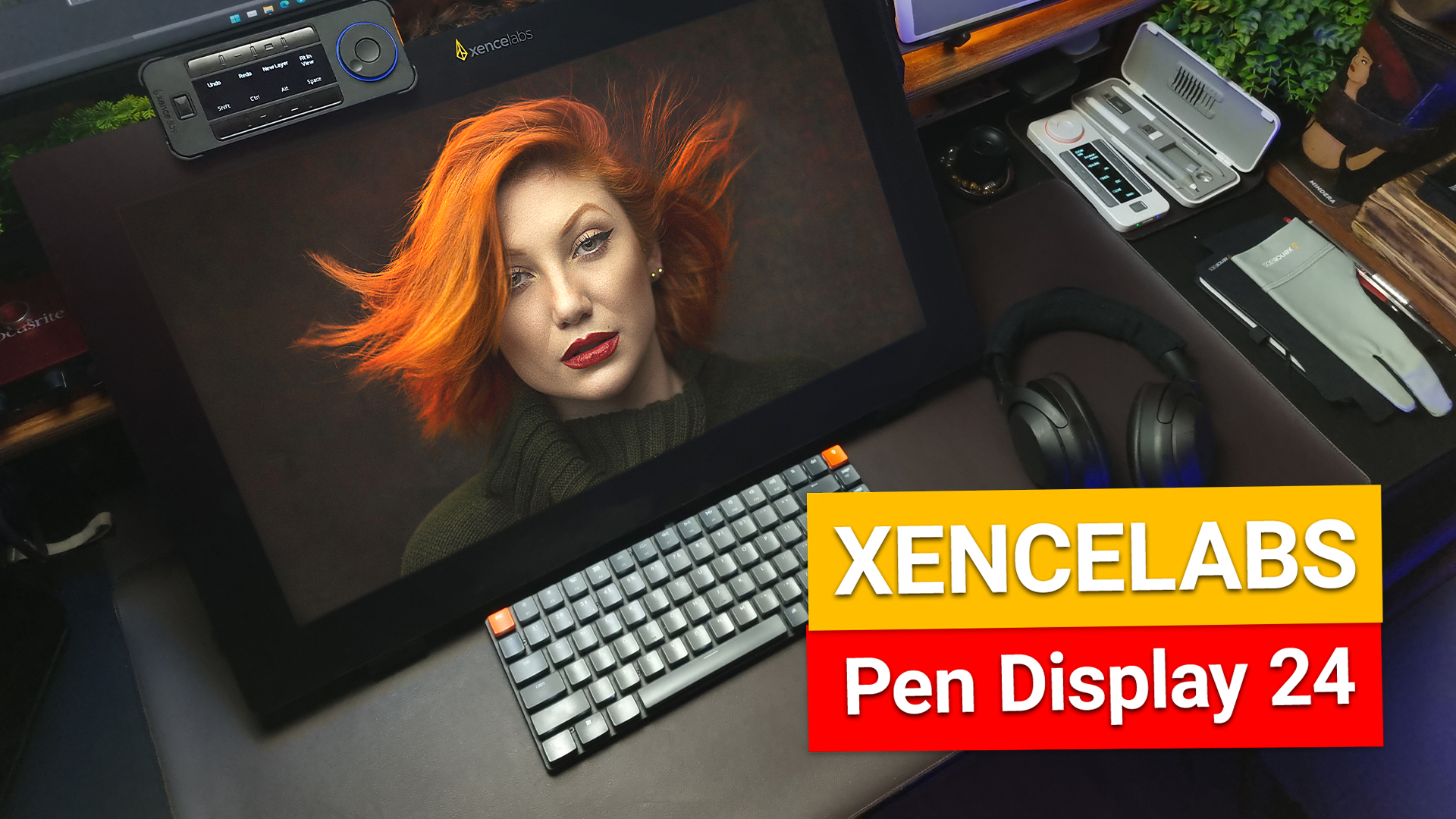
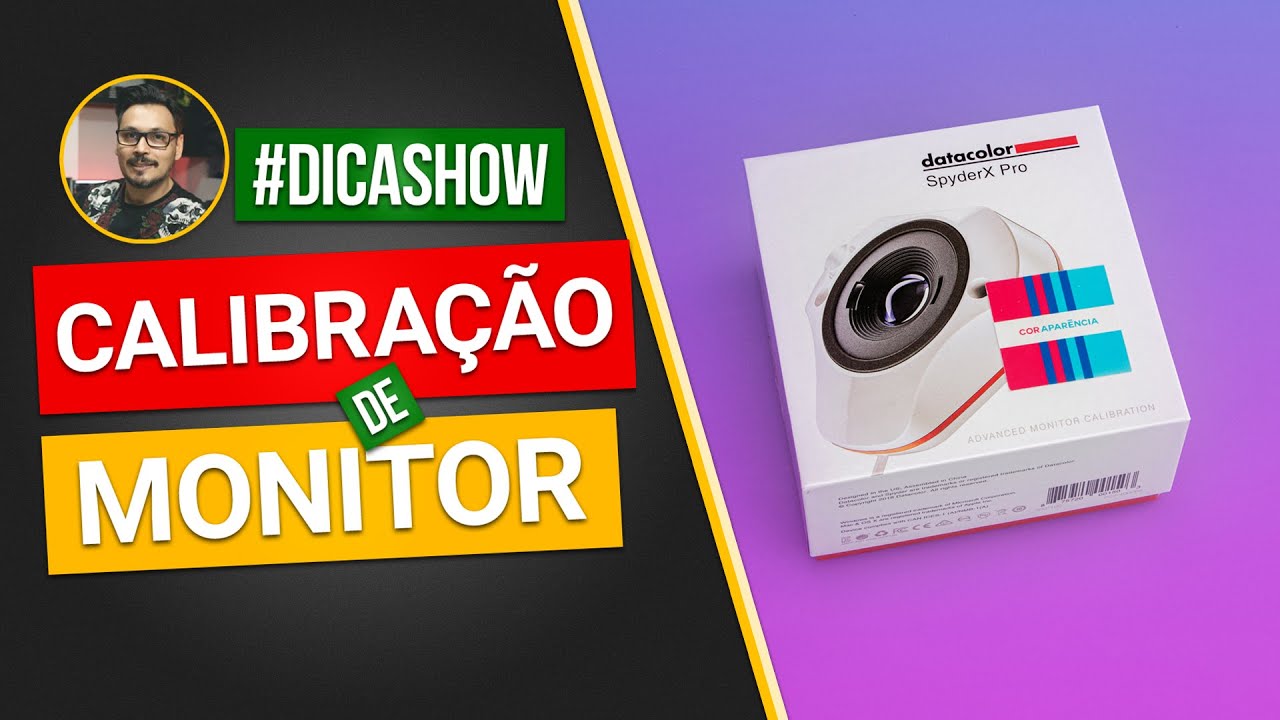
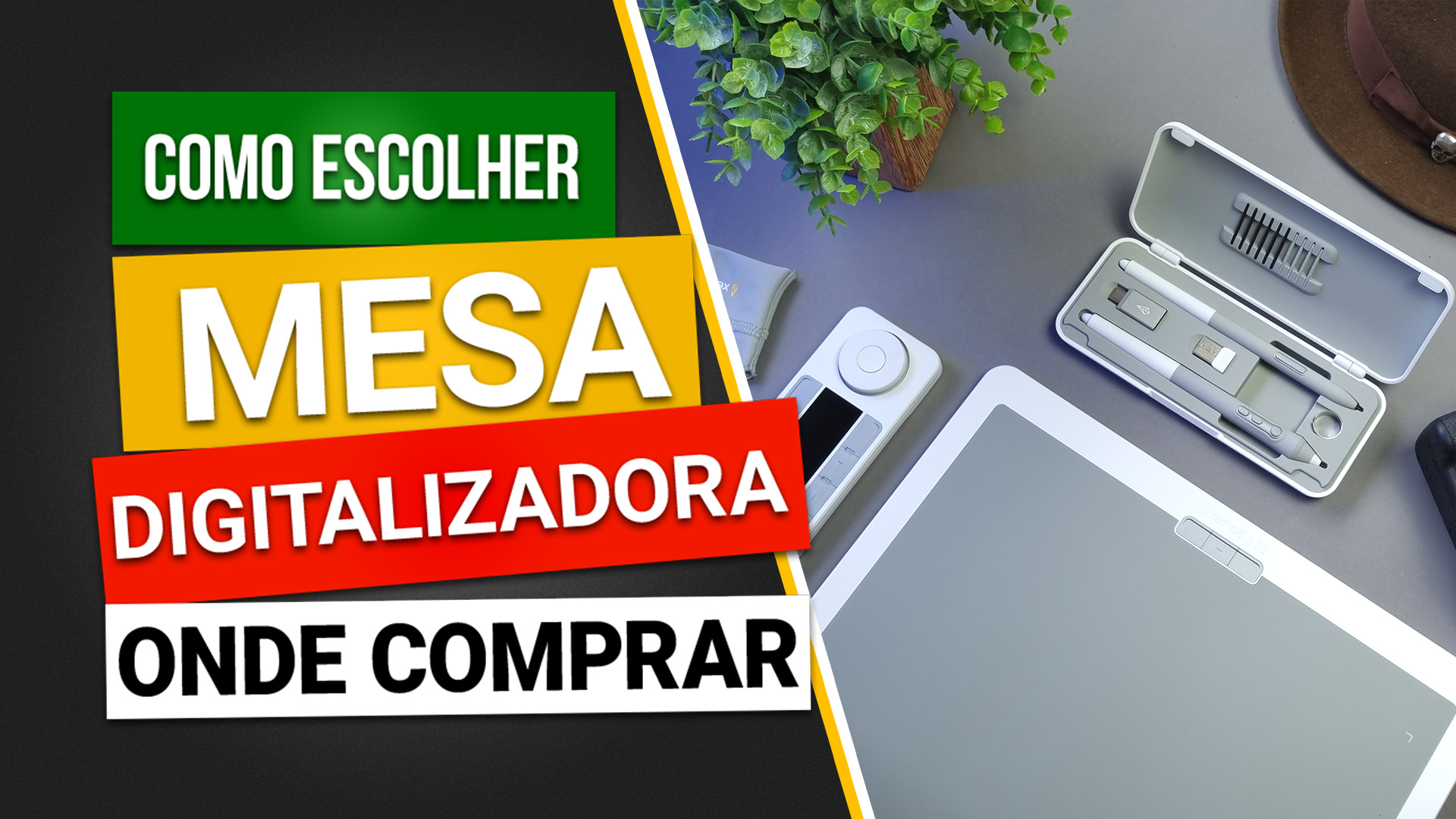
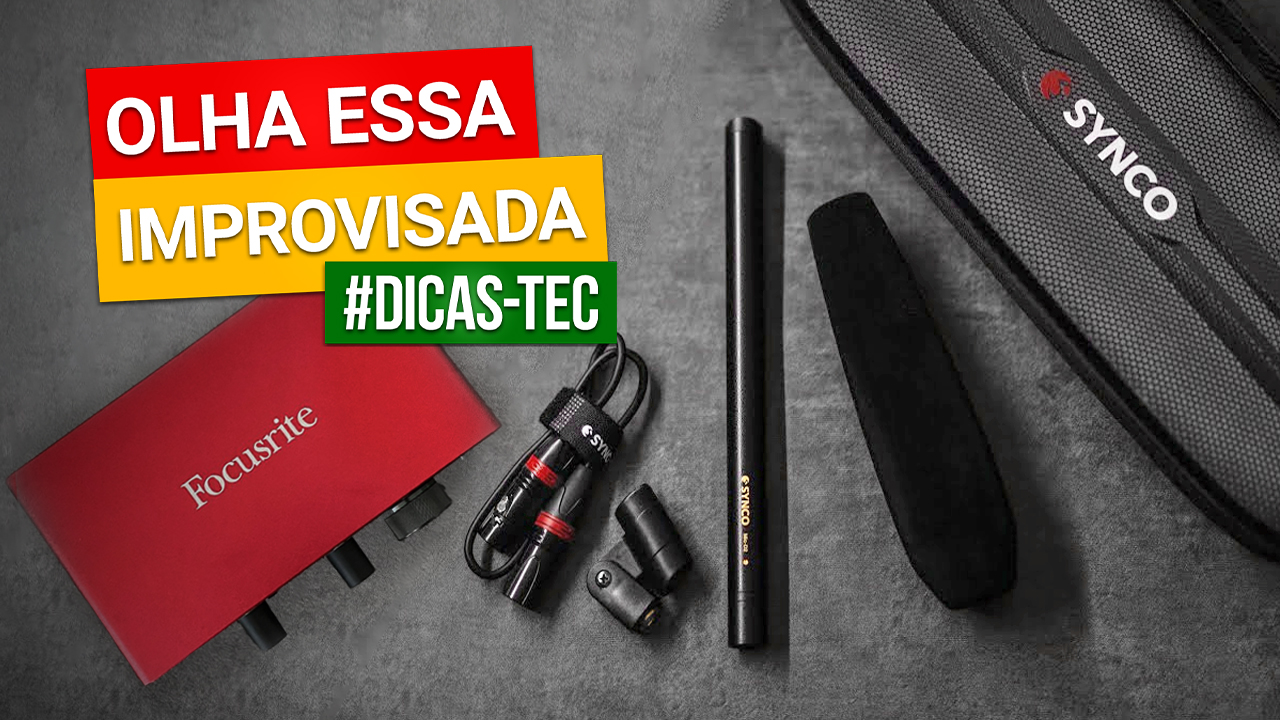
Potential applications by module
- 02. Photography
- Cameras, lenses, tripods, stands, lights, diffusers, reflectors, memory cards, ColorChecker, and gray cards.
- 03. Lightroom Classic
- Card readers, SSDs, backup devices, monitors, calibration devices, and pen tablets.
- 04. Photoshop
- Pen tablets, pen displays, monitors, and calibration devices.
- 05. Affinity Designer
- Pen tablets, pen displays, and monitors.
- 06. Canva
- Storage and backup devices, where relevant to file preparation and delivery.
Equipment participation will depend on its relevance to the course and its actual use, including in the production of the lessons themselves.
Your brand becomes more relevant when your equipment is put to work.
Workflow Ágil simulates the stages of a real project, from photography to the delivery of materials to the end client.
The course demonstrates how Lightroom Classic, Photoshop, Affinity Designer, and Canva connect throughout this process, while also showing how the equipment used at each stage can improve performance and productivity.
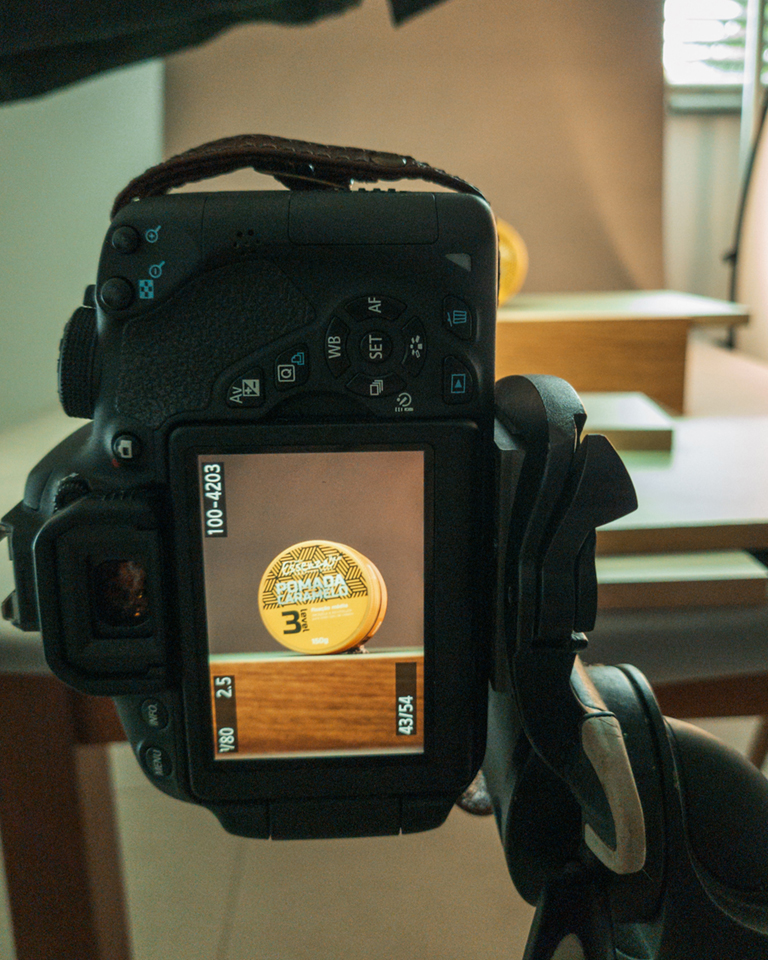
01. PRODUCTION
Preparing the space, lighting, and photography. Equipment introduced in the Essential Equipment module is used on set, with practical demonstrations and explanations of its applications.
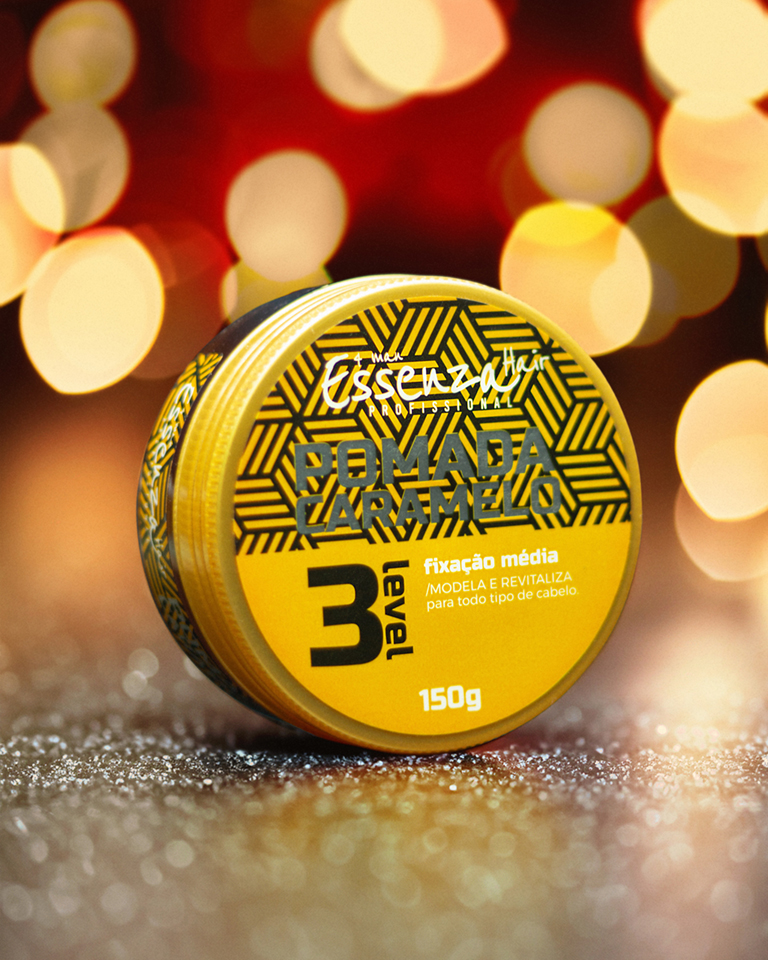
02. RESULTS
The photographs go through image editing and the creation of digital materials, allowing students to follow the results of the process.
03. TEACHING
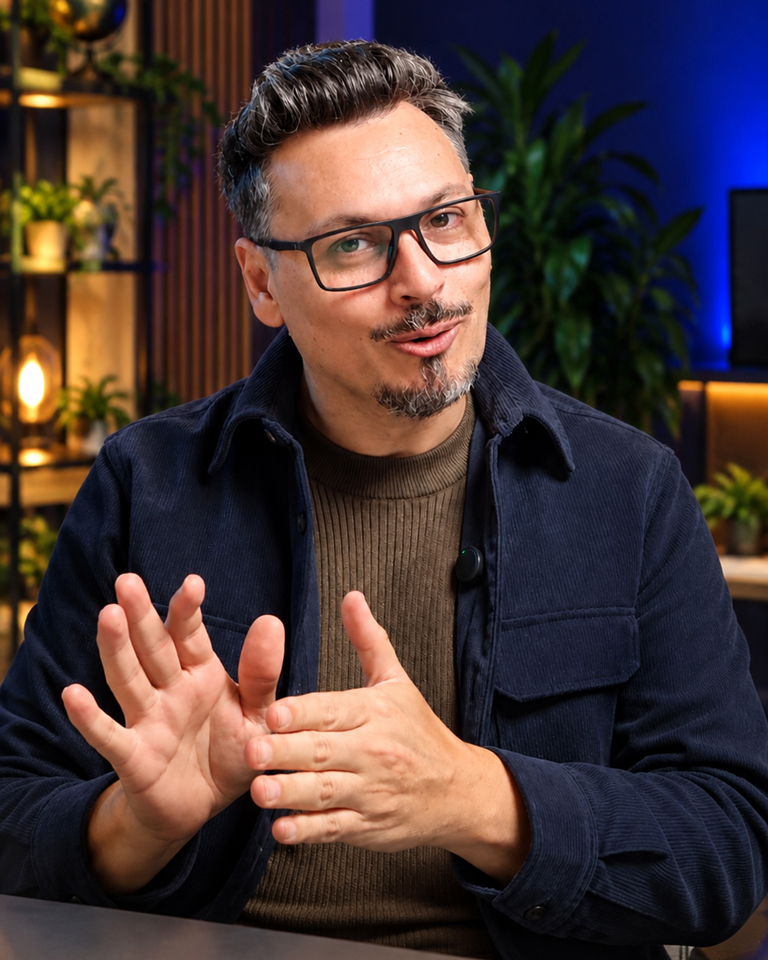
The instructor guides students through post-production and graphic design. Equipment such as pen tablets, pen displays, and monitors is introduced and used where relevant, with guidance on how it supports digital work.
An audience ready to invest in learning.
The free module also allows interested viewers to explore the equipment reviews without purchasing the full course.
The audience for Workflow Ágil includes photographers, designers, social media professionals, and people entering the creative industry or changing careers. They share a desire to combine skills and tools to expand the services they can offer.
Why Udemy? It brings together people who actively seek training and can purchase courses to develop their skills. The platform also offers opportunities for discovery through search and promotional campaigns, creating more ways for people to find the course.
This is where your brand can find its place. People starting out or expanding their professional practice also need to understand and evaluate the tools required for their work. Workflow Ágil offers an opportunity to present your equipment while these people learn activities in which it has a practical application.
Is Udemy the only option? It is the platform initially planned, but other distribution options may be considered depending on the support received and the production conditions.
I teach what I do.
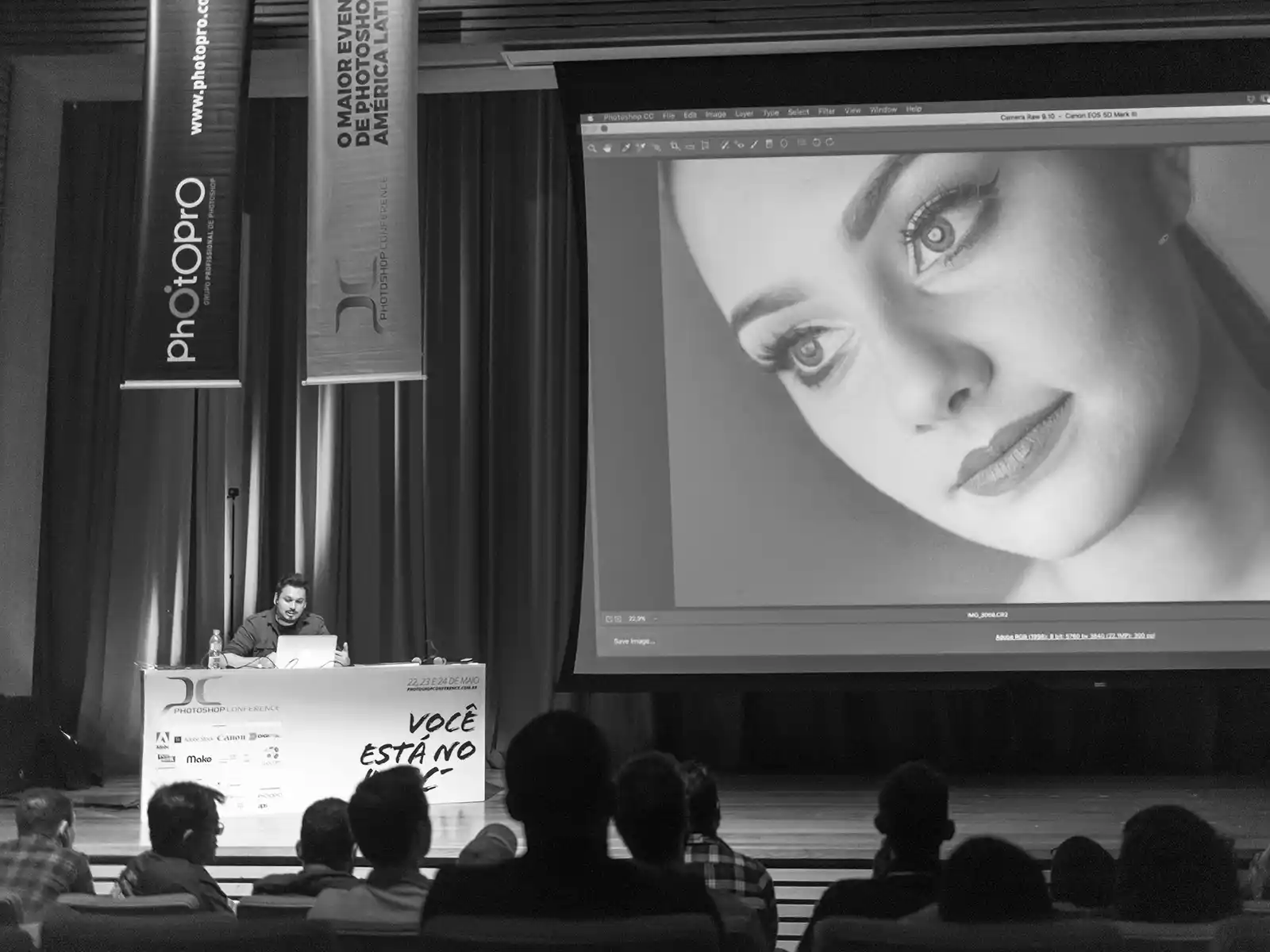
I have worked in photography and professional image retouching for over 16 years. Along the way, I have also developed my work as an instructor, creating courses and giving in-person presentations where I share techniques and working methods.
My teaching experience includes courses published on AvMakers, talks, and workshops. I bring this combination of professional practice and teaching experience to Workflow Ágil, demonstrating how equipment and tools connect throughout a project.
- 11 published courses
- 41h+ of video lessons
- 16+ years of professional experience
How your brand can be part of the course.
Your brand can participate in Workflow Ágil by making equipment available for use in the course demonstrations and activities.
Selection is based primarily on how relevant the products are to the project. A range of equipment that meets different needs within the workflow may offer more opportunities for use throughout the lessons.
Filming is initially scheduled to begin in February 2027. Equipment partners and the products to be included will be confirmed before then. Once production begins, no new brands or equipment will be added to this project.
Selected products will receive an individual introduction and review in the free Essential Equipment module, and may also be used in other stages according to their practical application.
The project may bring together different brands, with no exclusivity requirement.
Equipment partnerships do not require a financial contribution.
What Will Be Created During the Course?
Workflow Ágil will follow a hands-on project covering every stage of visual production, from photography and image editing to the creation of graphic assets and digital content.
The central project is still being evaluated. I'm speaking with potential brand partners to explore photography projects with strong visual and educational potential. The chosen project should also provide real-world situations that demonstrate how the equipment is used and how it contributes to the final result.
If you represent a brand interested in participating with your equipment, now is an excellent time to get in touch. The products your brand could provide will also be considered when making strategic decisions about the central project. Some may support the production process, while others may take center stage in specific demonstrations.
Once the central project and its scope have been defined, a detailed course outline will be published here on a dedicated page, covering the lessons, activities, and expected outcomes for each stage.
Financial support and content for your brand's channels.
Financial support is optional. Workflow Ágil will be produced regardless of sponsorship, maintaining its educational purpose and commitment to quality.
The funding will allow me to dedicate more time specifically to developing the course, while also making it possible to hire professionals for filming and video editing and, when needed, rent production spaces. This will help speed up production and maintain a more consistent pace.
Sponsorship may also include audiovisual content produced specifically for your brand's channels, such as dedicated reviews and additional demonstrations. Formats, deliverables, and usage rights will be defined according to the scope of each collaboration.
US$ 5KTotal funding target, which may be met by a single sponsor or shared among several companies.
Shall we discuss this partnership?
You received this invitation directly from me because I know your brand, trust what it offers, and believe your products could be part of Workflow Ágil.
My proposal is to create a marketing opportunity within a learning environment. Your equipment can be introduced and used as people develop professional skills, creating a connection with the brand that goes beyond a one-off appearance on social media.
I would like to discuss possible ways to collaborate, understand which products could be involved, and hear your ideas. Could we set aside 15 to 20 minutes for a conversation?

“A brand can only earn respect
once it learns to get noticed.”